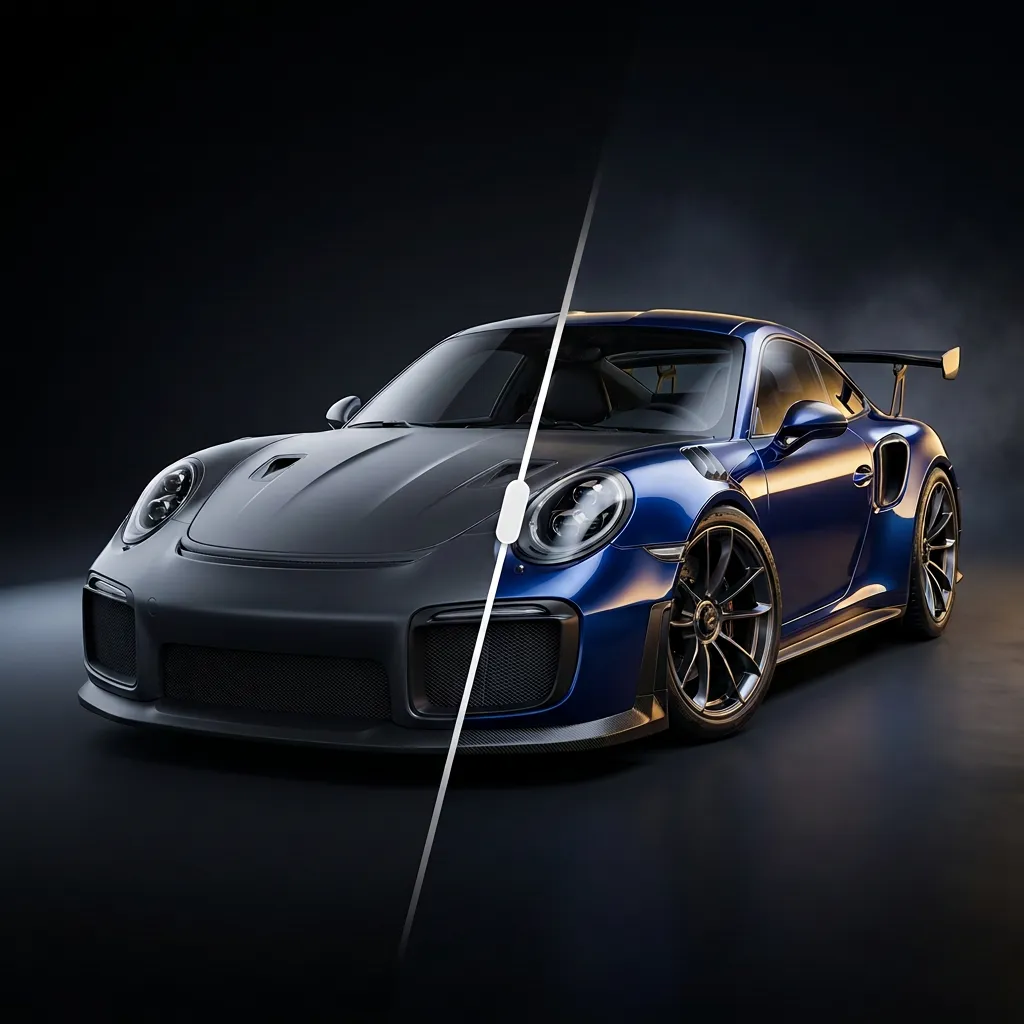
 Tuner
TunerTuner guides · Wheels
Wheel visualizer: see new wheels on your own car before you buy
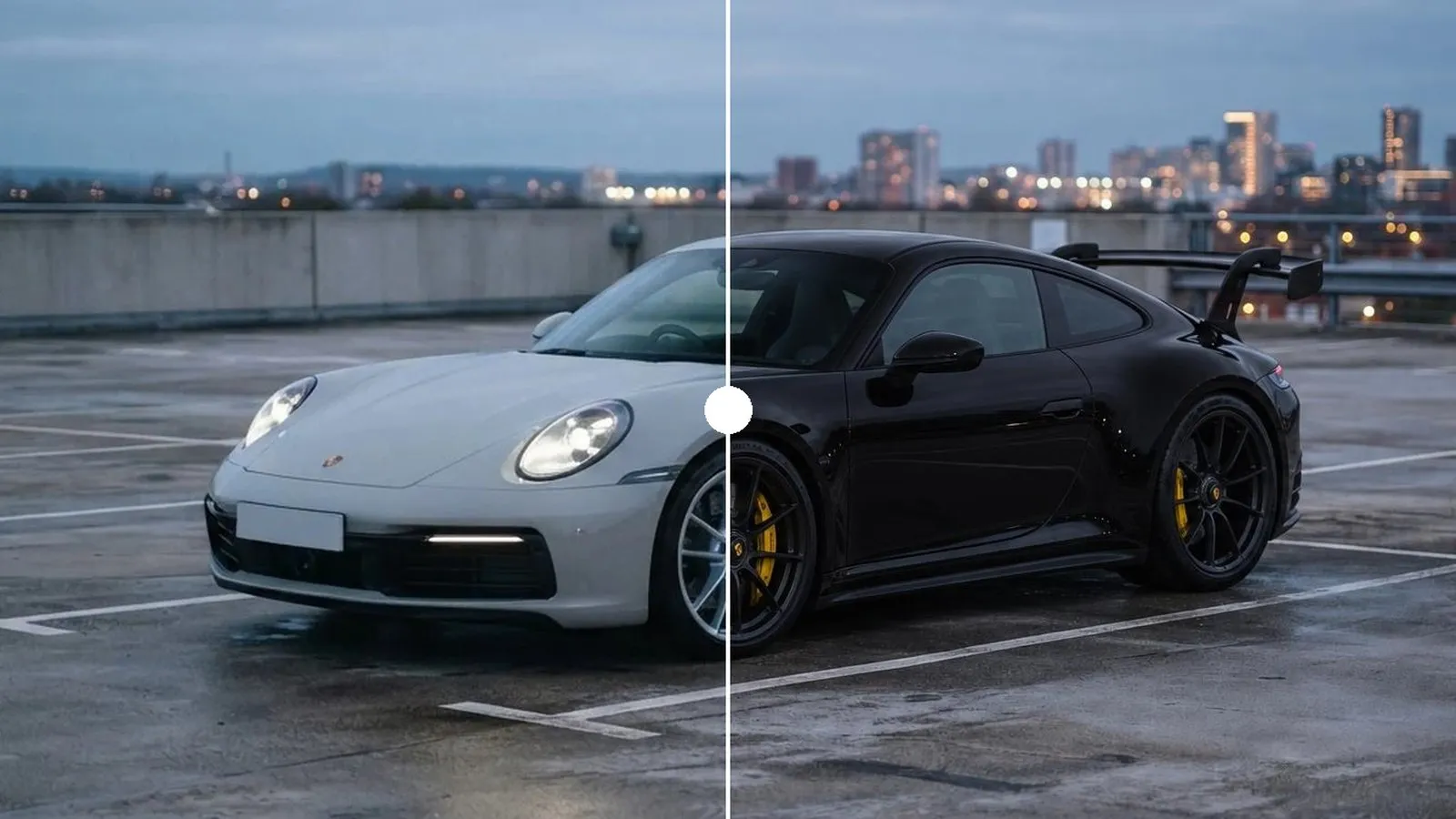
Wheels are the mod people regret most when they guess. A design that looks aggressive on a catalog photo can look small on your car, a color can disappear against your paint, and a finish that pops in the sun can look flat in the shade. A wheel visualizer lets you see the wheels on a car before you spend the money.
What a wheel visualizer does
A wheel visualizer, or rim visualizer, puts a set of wheels on a picture of a car so you can judge the look: the design, the size, the color and how they work with the paint and the ride height.
There are two kinds:
- Configurator visualizers. Wheel brands and retailers show their own wheels on a stock image of your make and model, usually in a fixed color and from one angle.
- Photo visualizers. You start from a photo of your actual car, with its paint, its current ride height and its background, and the wheels are drawn onto that photo.
Why your own photo matters
A stock render is a different car. It doesn’t have your paint, your tint, your lowering springs or your aero, and it is shot in studio light. Your car has all of those, and wheels interact with every one of them:
- Paint. Bronze wheels on a white car and on a dark green car are two different looks. Gloss black can vanish on a black car; satin or gunmetal keeps the design visible.
- Stance. The same wheel looks smaller with a big fender gap and bigger once the car is lowered. Seeing both helps you decide if you need springs or coilovers too.
- Light and angle. Your photo shows the wheels the way people will actually see them, in your street or your garage.
How to take a photo that works
- Shoot from the side or a front three-quarter angle, at about wheel height. Crouch a little.
- Show the whole car. Don’t crop the bumpers or the roof.
- Use soft light. Overcast days and the hour before sunset work best. Avoid harsh noon shadows across the wheels.
- Straighten the wheels if you shoot from the front, so the face of the wheel is visible.
- Keep the background clean. A plain wall or an empty parking deck makes the car stand out.
Seeing wheels on your car in Tuner
Tuner is a photo visualizer. You add a photo of your car, Tuner detects the model, and you build the look zone by zone:
- Wheel styles: concave, mesh, deep dish, monoblock, forged star, split five-spoke, turbofan, six-spoke race, steelies, classic wire and more.
- Wheel colors: satin black, gunmetal, brushed gold, bronze, chrome, white, red, blue, or any custom color, plus a caliper color.
- Stance: lower the car to see the wheels with less fender gap.
- Your own reference: found the exact wheels online? Import a photo of them and Tuner puts them on your car.
Tuner renders the finished build on your photo, so you can compare a few options side by side before you choose. Your first build is free.
A visualizer shows the look, not the fitment
Once you love a design, check that it bolts on and clears everything. The size you pick changes the fitment:
- Bolt pattern and center bore must match your hub, or you need the right hub-centric rings.
- Width and offset decide how far the wheel pokes out or tucks in. Our wheel offset calculator shows the change in millimeters against your current wheel.
- Tire size changes the overall diameter and your speedometer. Compare sizes with the tire size calculator.
- Brake clearance matters on cars with big calipers, especially with concave designs.
Our guide on how to pick wheels that actually fit goes through each check in order.