See the mod before you buy it.
Wheels, wraps, kits and paint, on a photo of your own car.
DownloadYour first build is free.
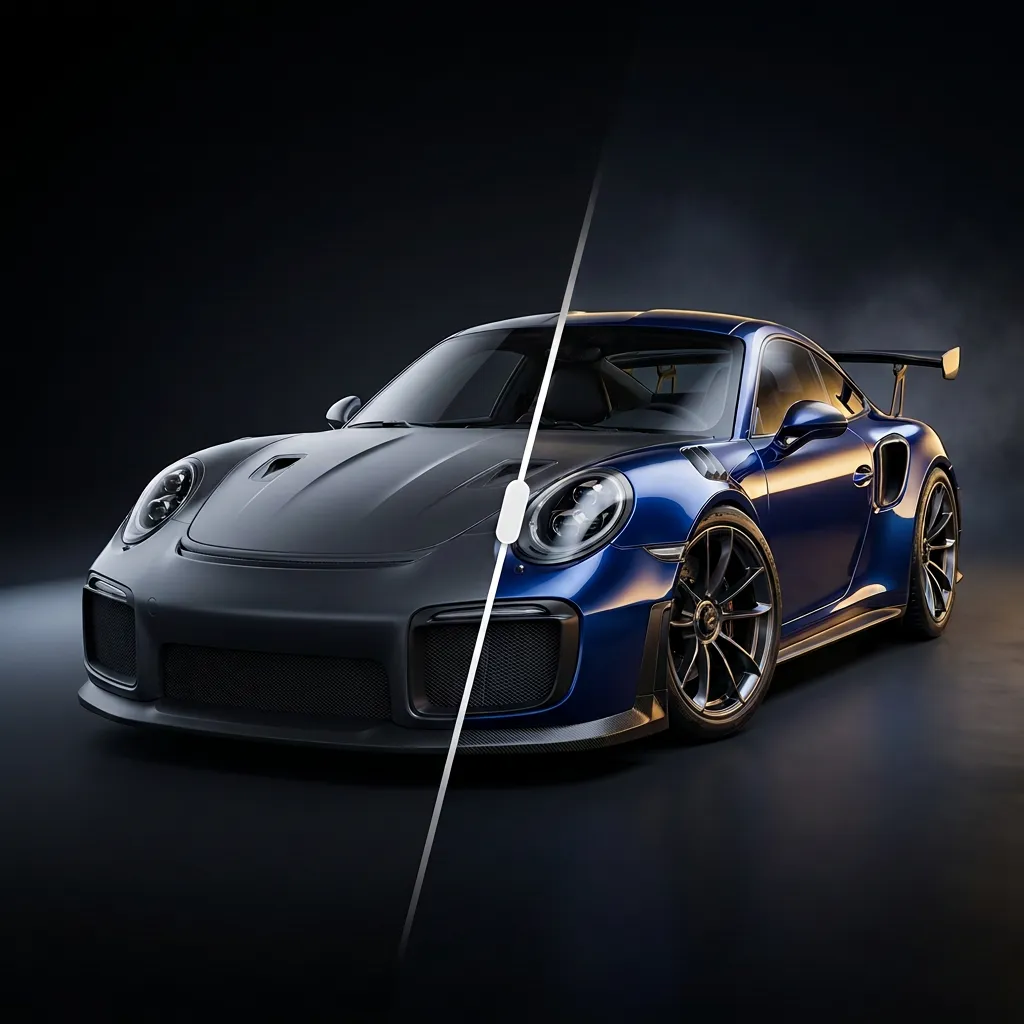
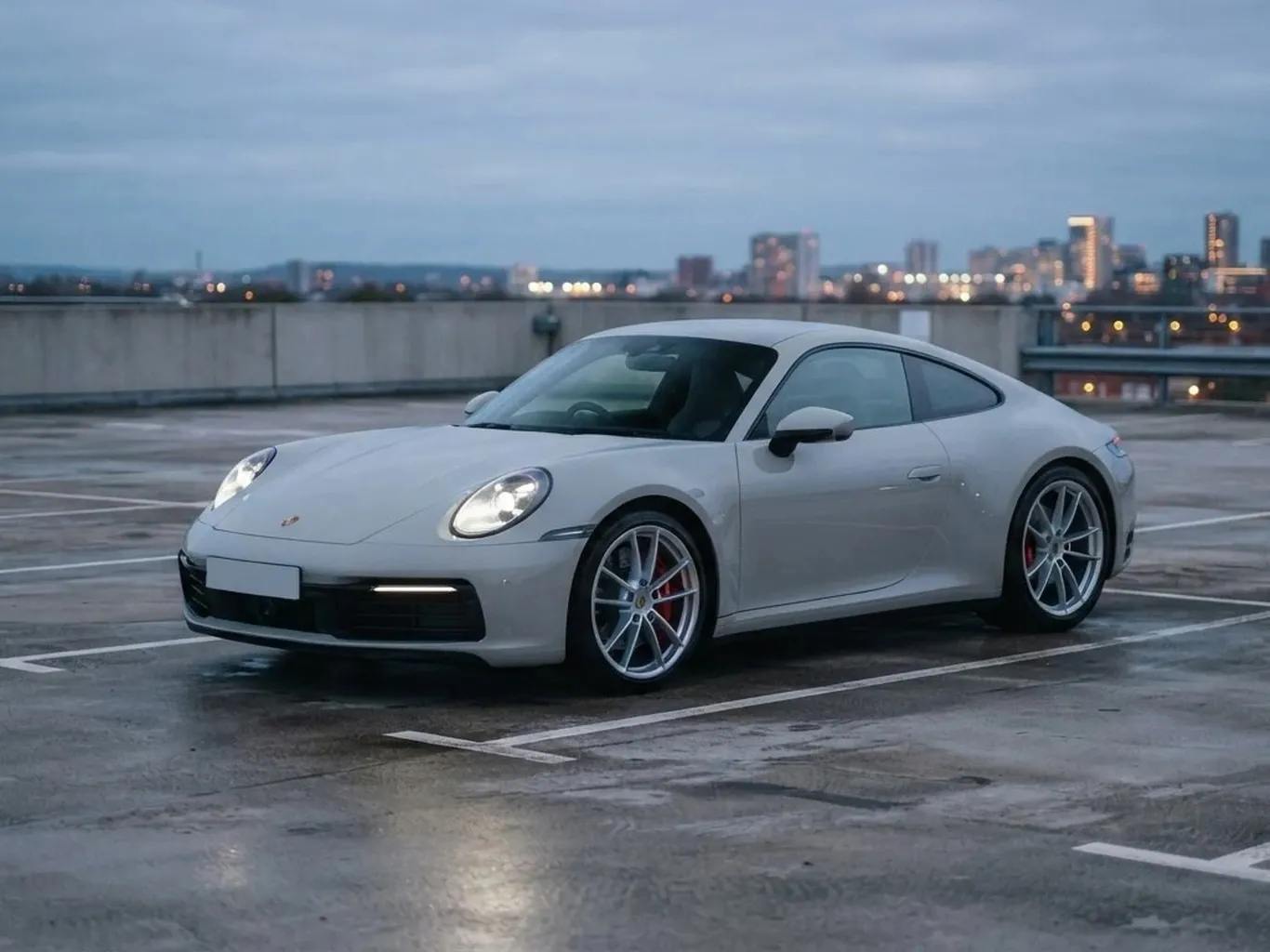 StockYour build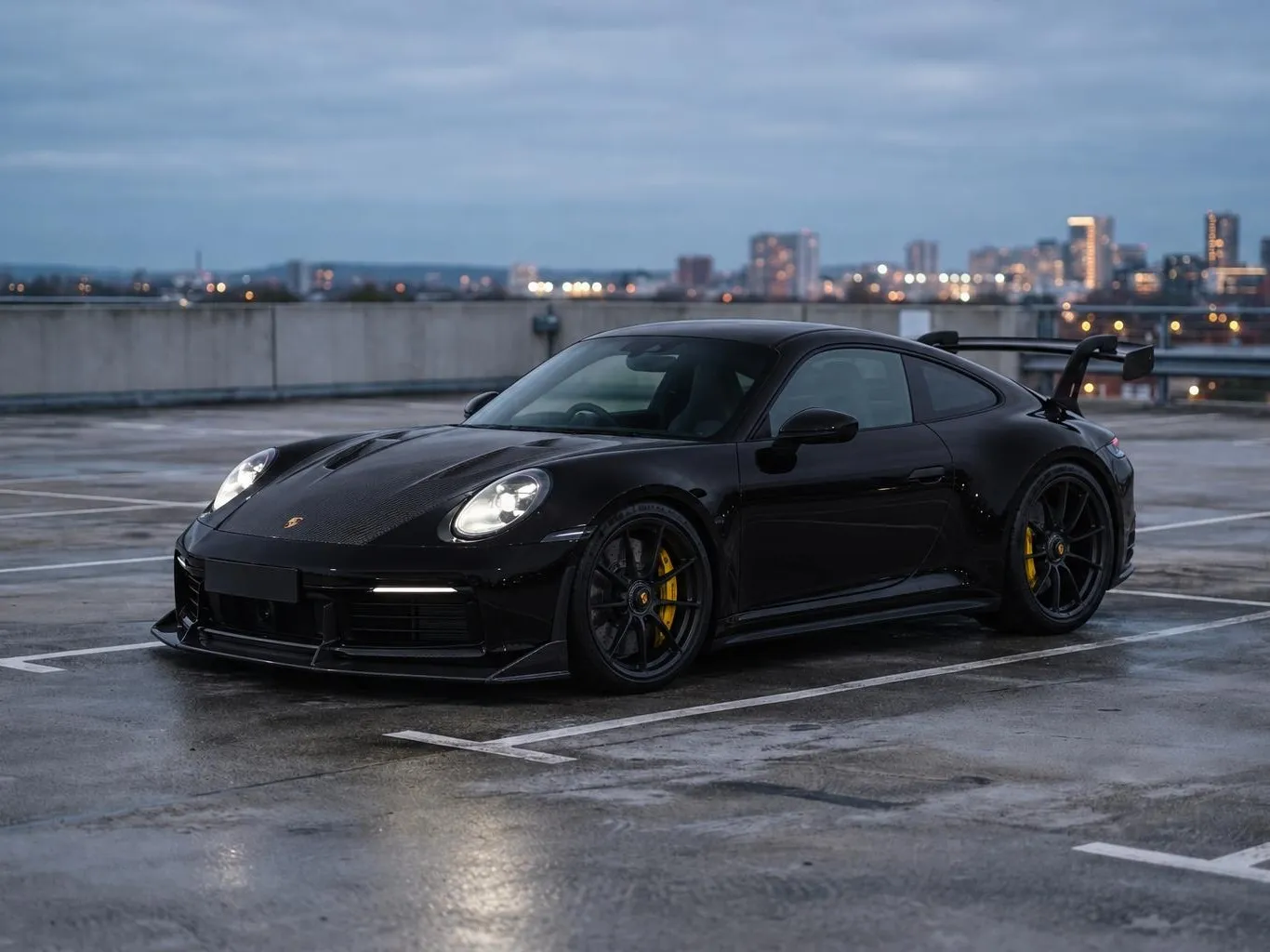
Get the highlights.
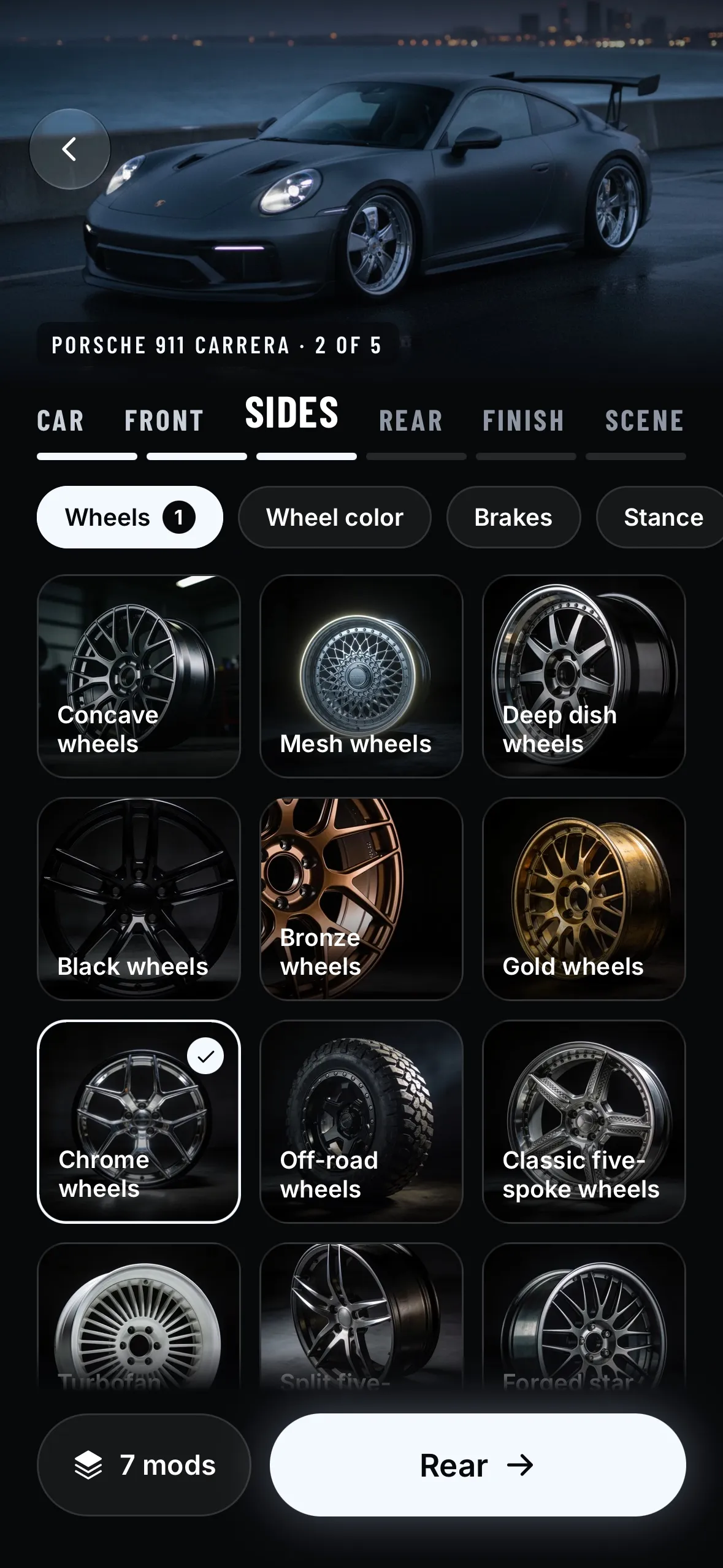
Wheels.
Rims in every style and finish.
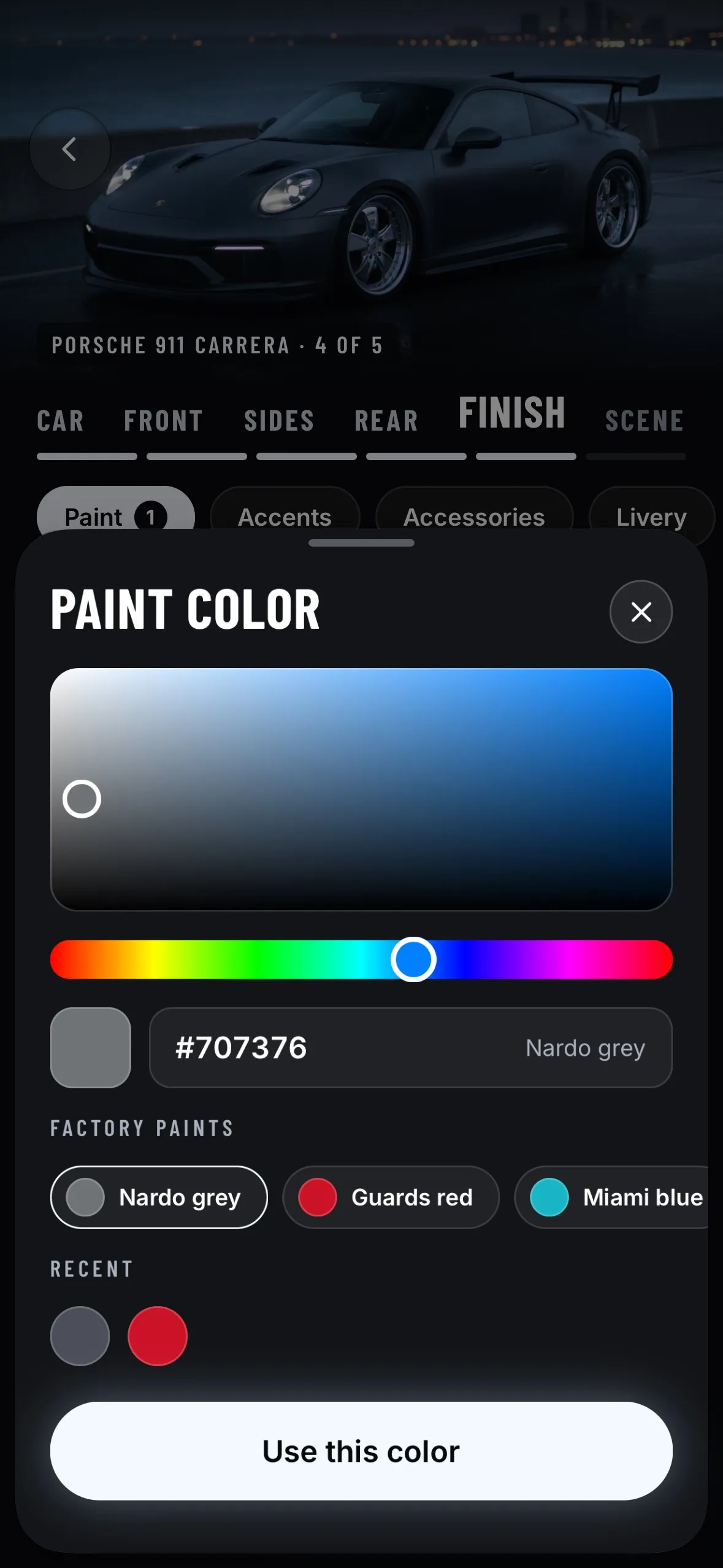
Paint and wraps.
Any color. Matte, gloss or chrome.
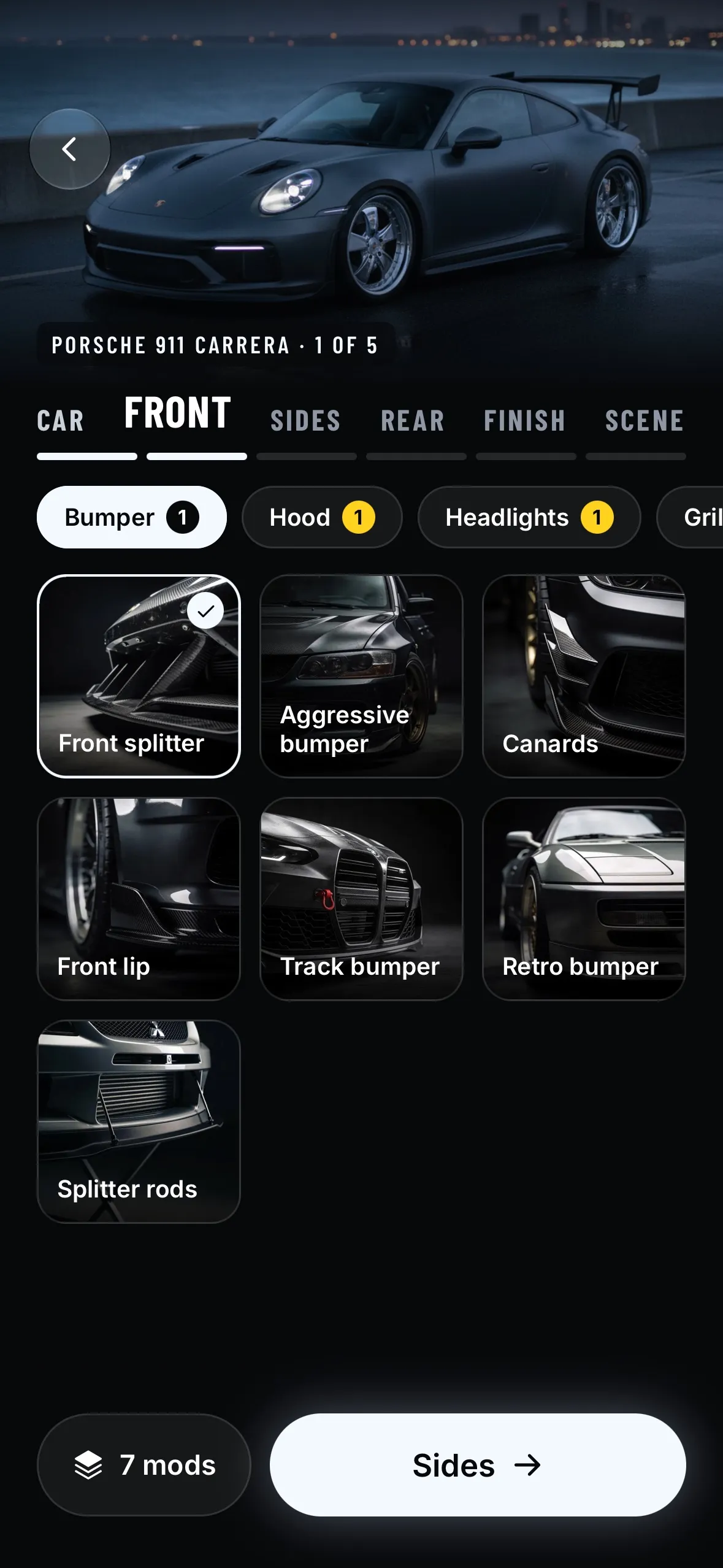
Body kits.
Splitters, bumpers, hoods and wings, part by part.
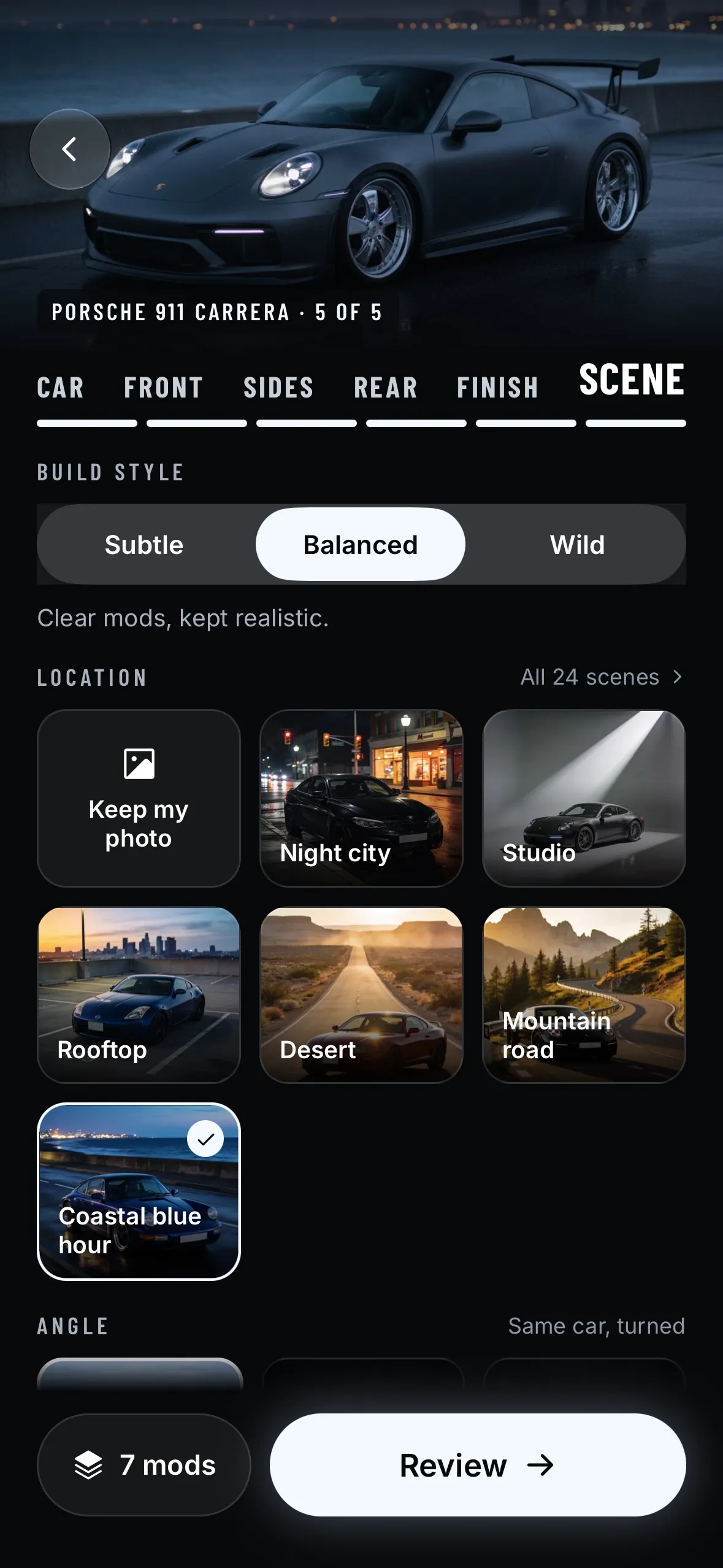
Scenes.
Put your build at night, on track or in the city.
Three steps. One photo.
- 1
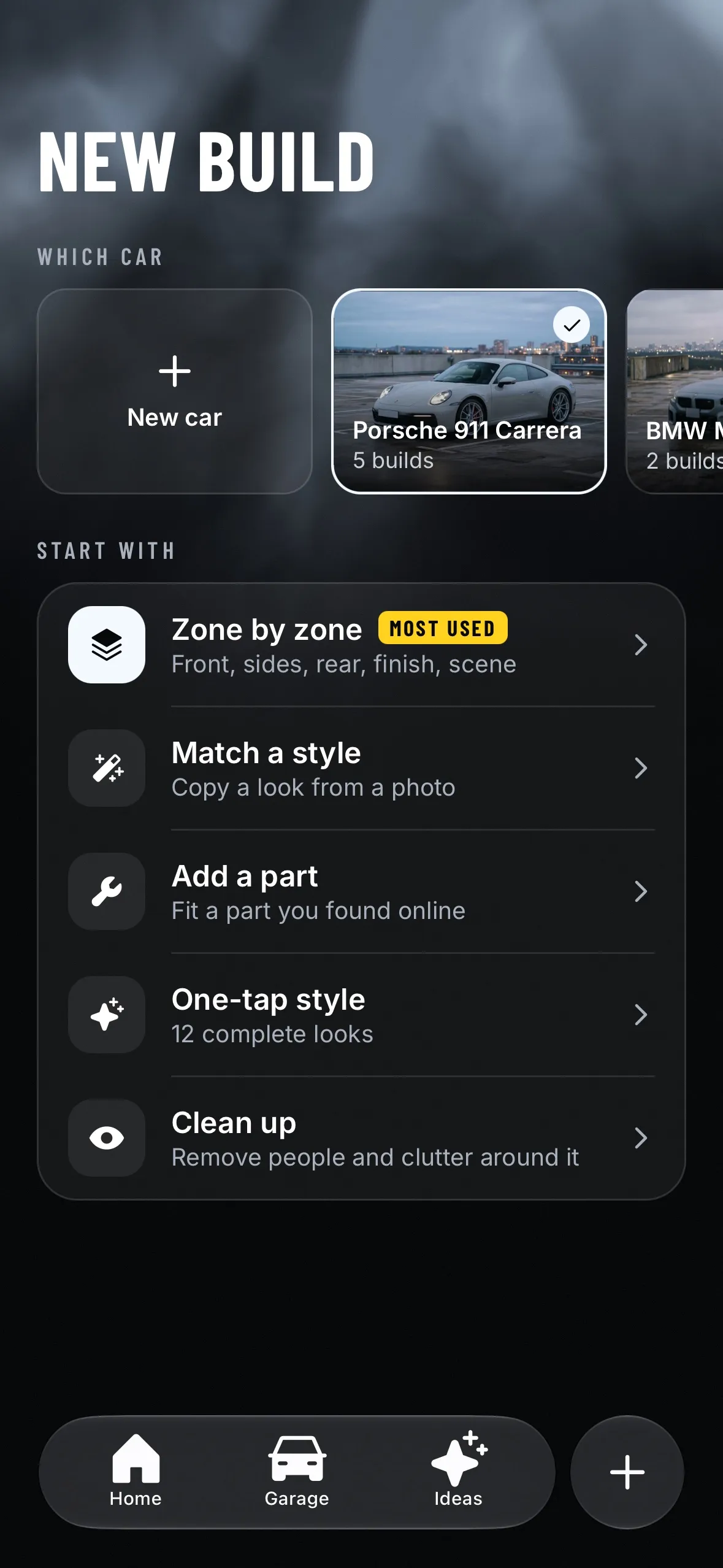
Add your car
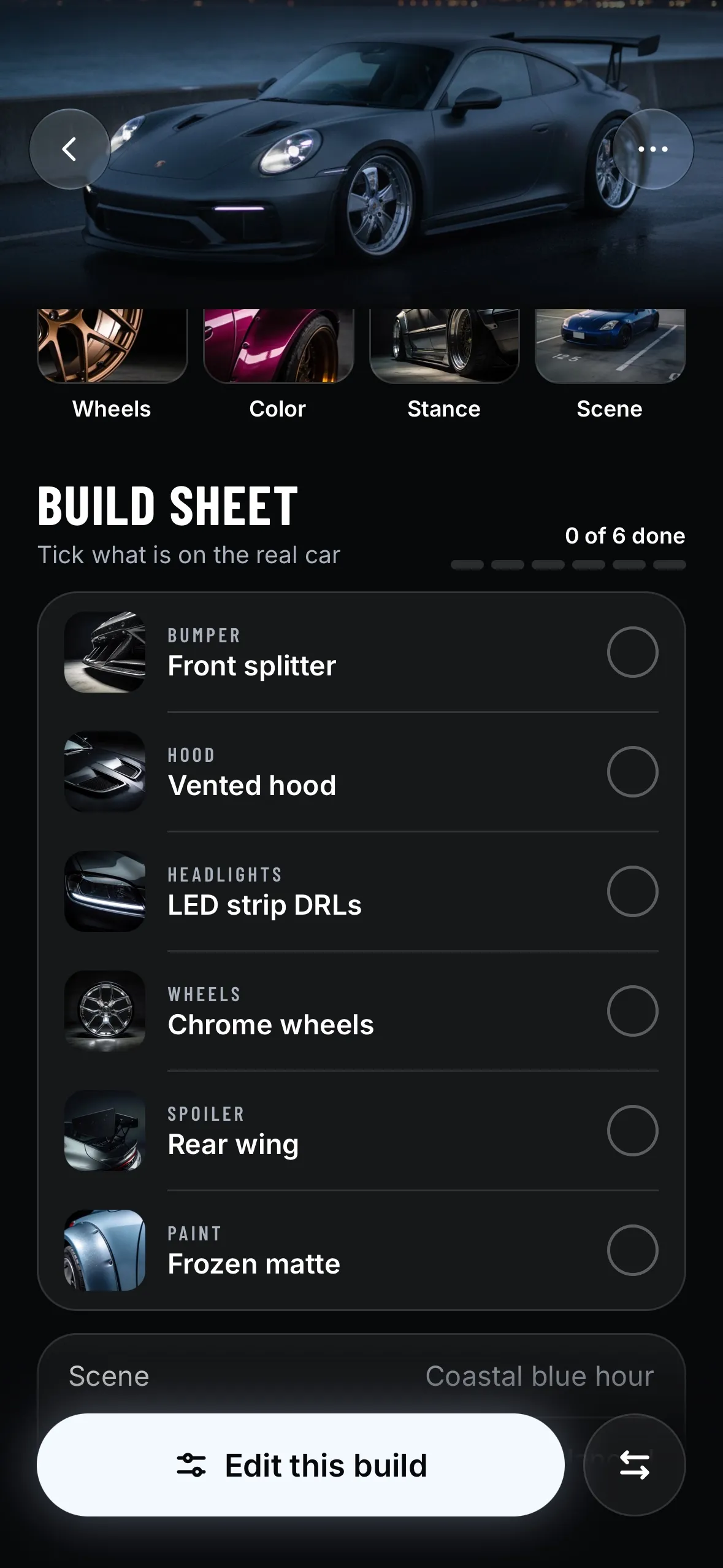
Take a photo or pick one. Tuner detects the model.
- 2
Pick your mods
Wheels, kits, lights, paint and more, zone by zone.
- 3
See it on your car
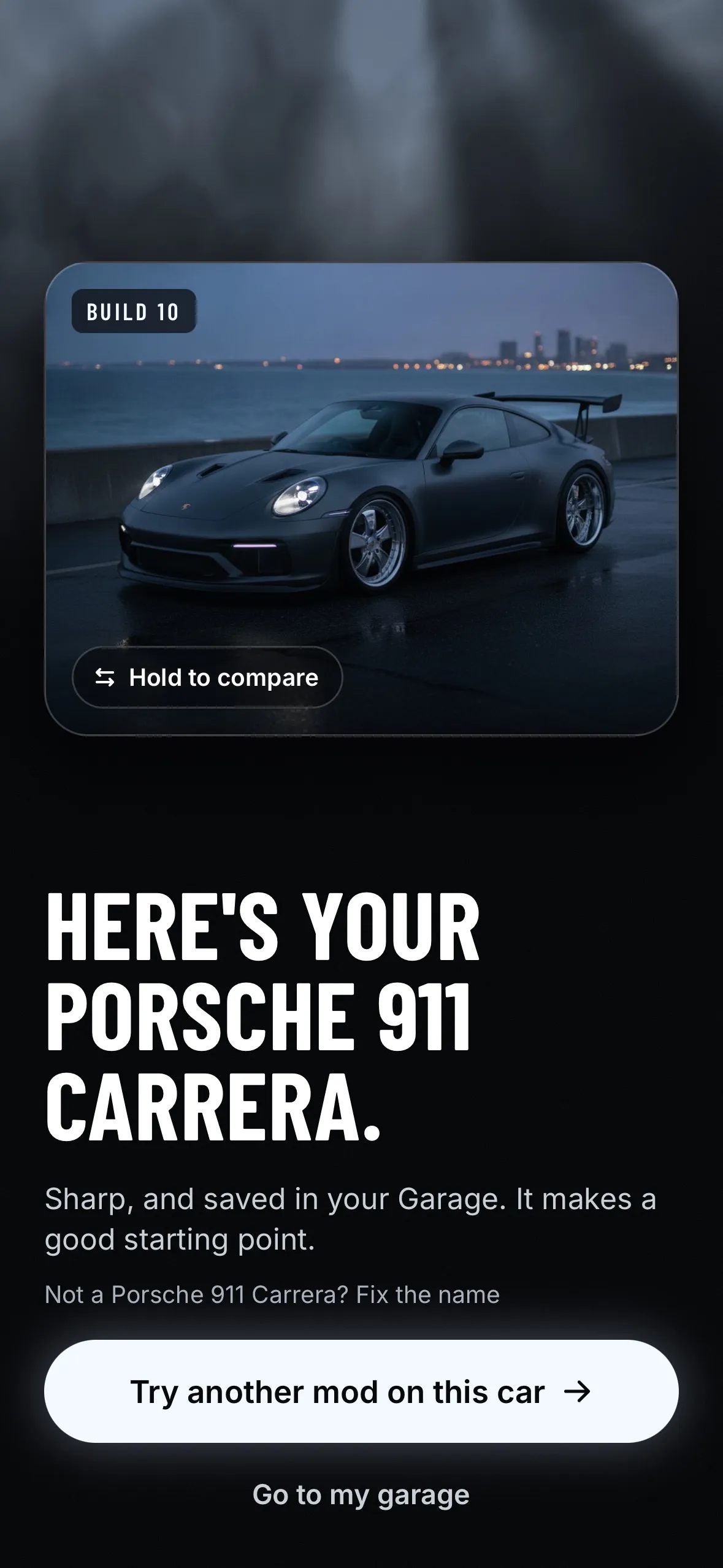
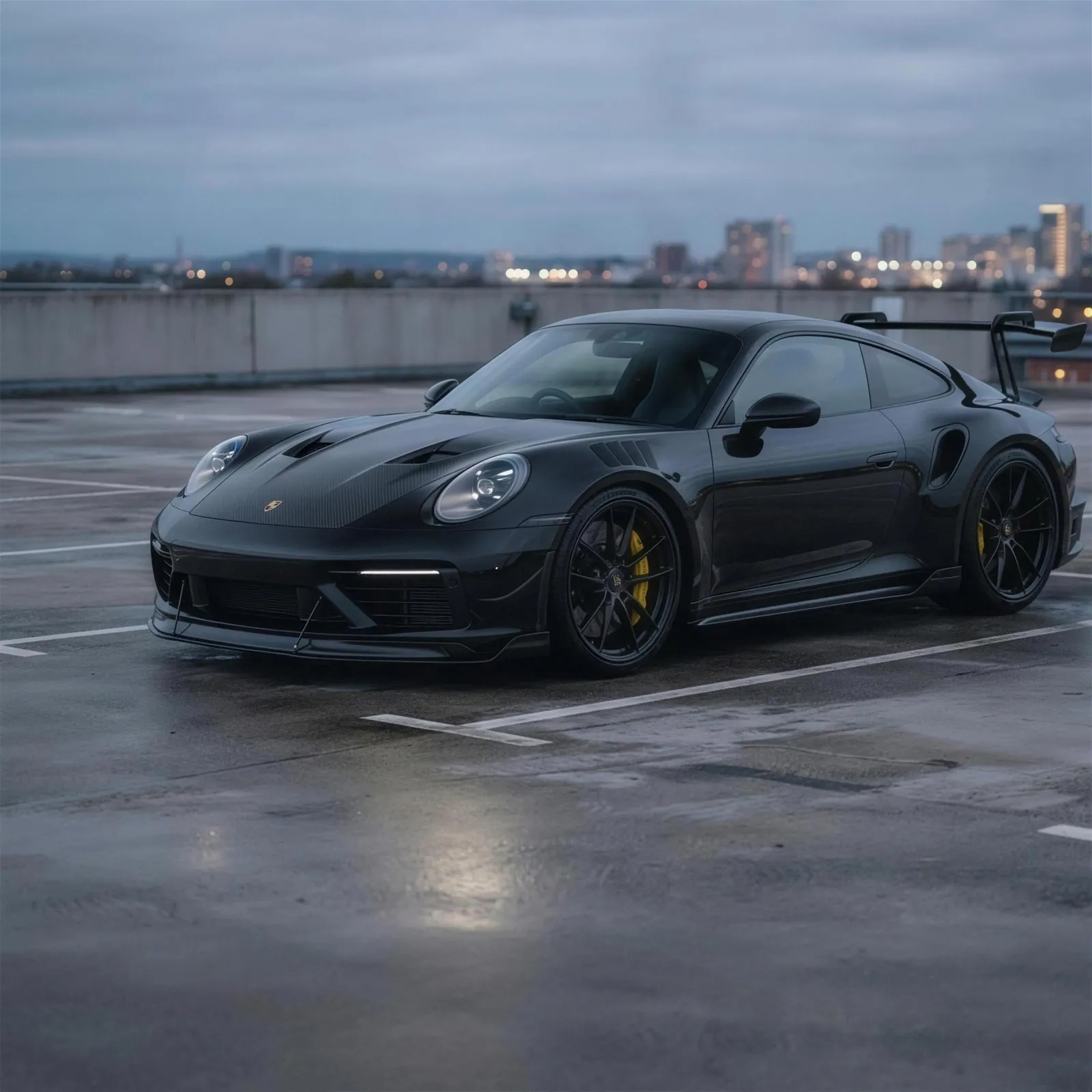
Your finished build, on your own photo.
Keep every build. Share the best one.
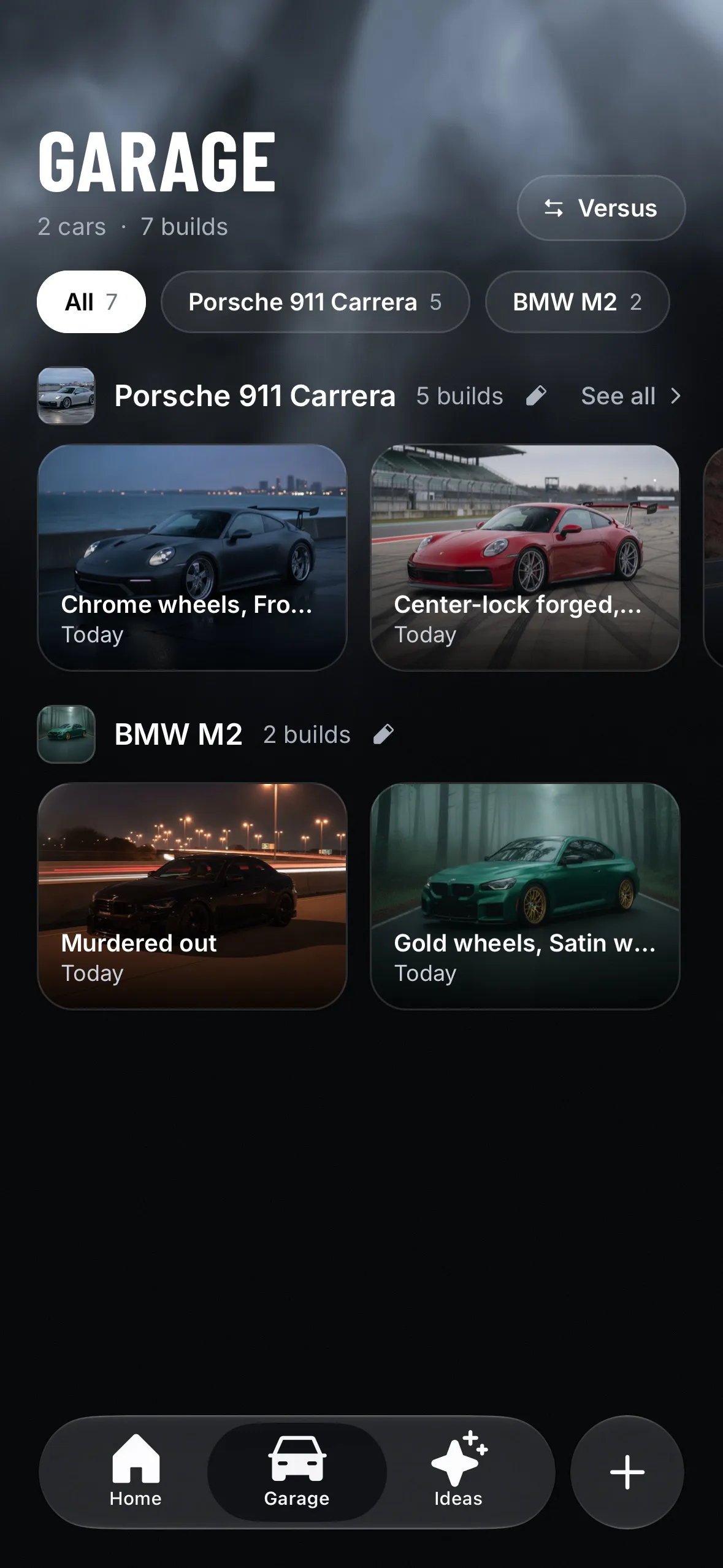
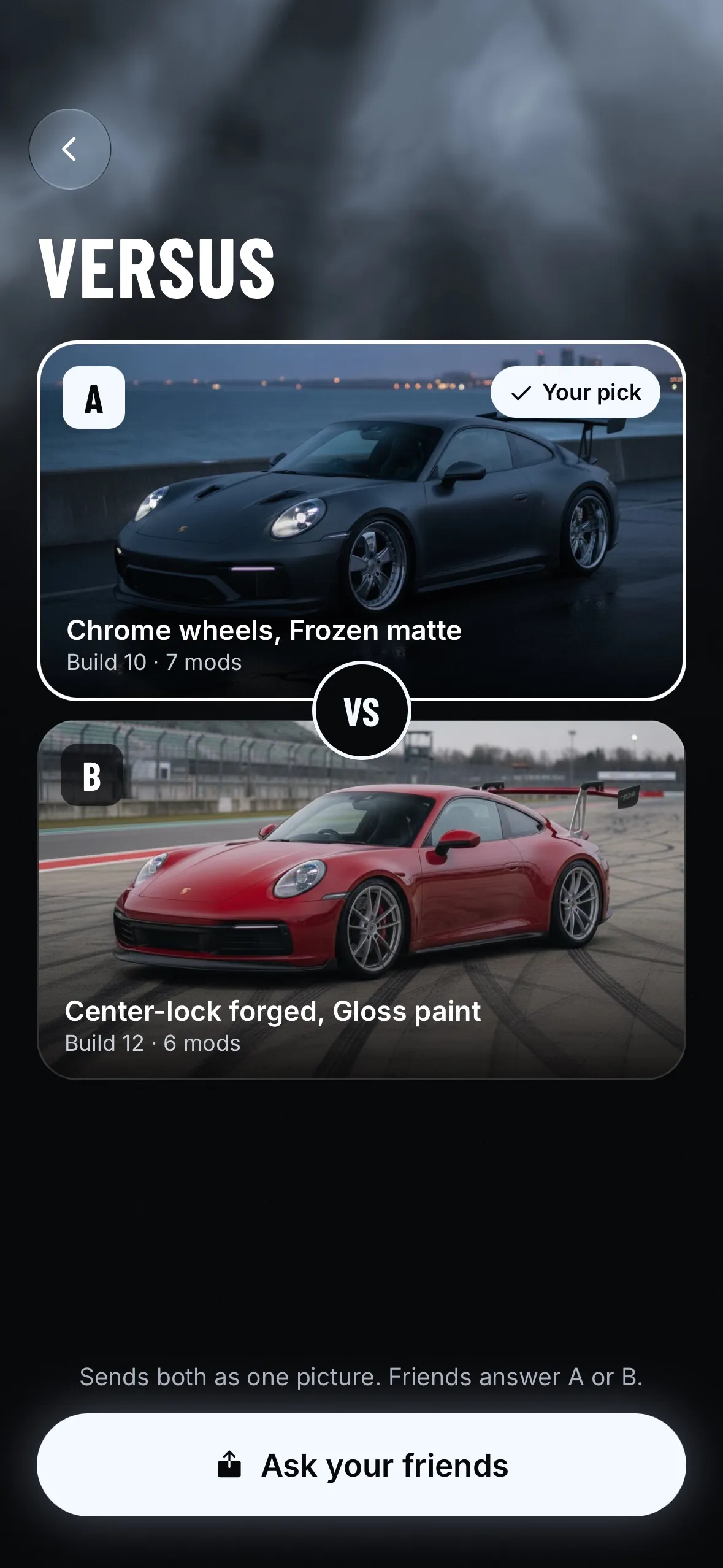
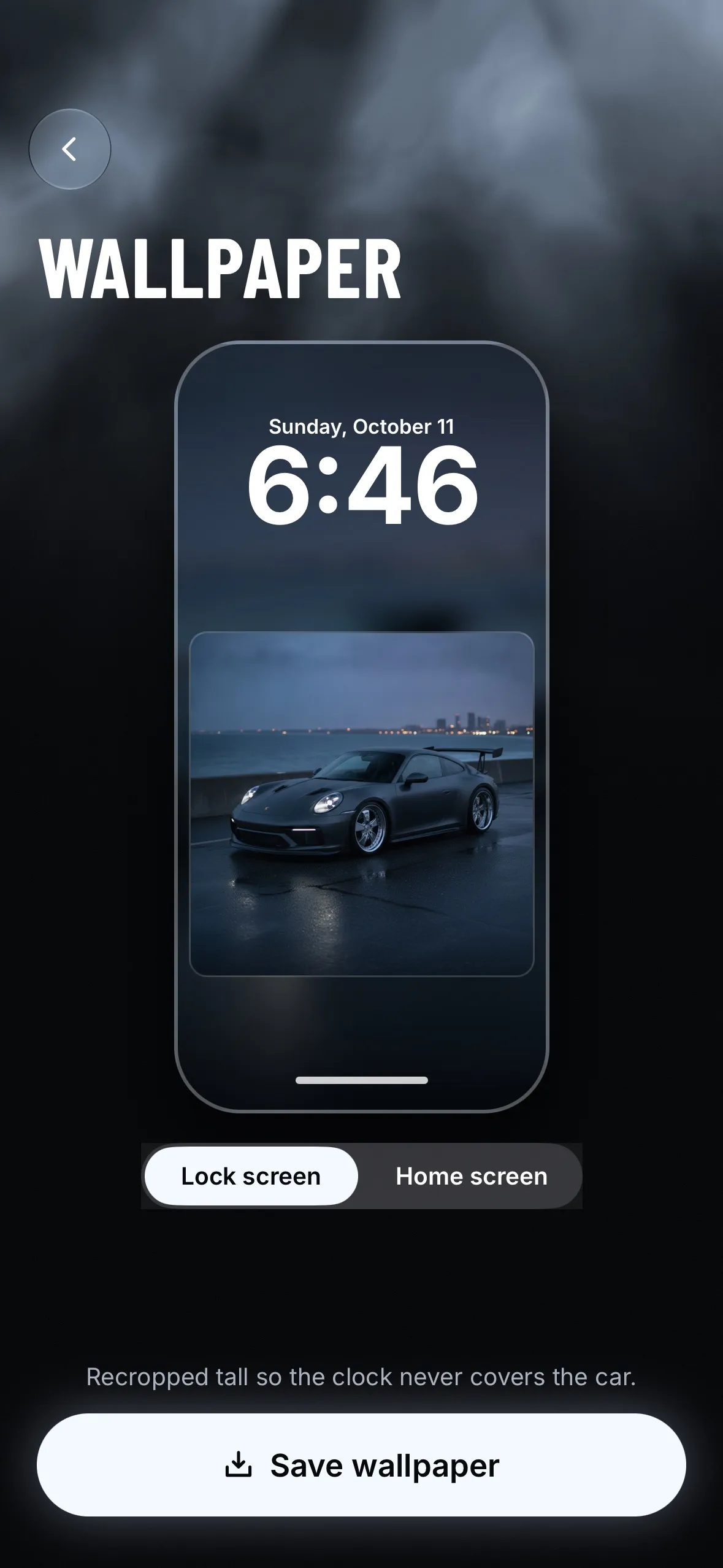
Your Garage saves each version. Compare two side by side, ask your friends, or turn one into a wallpaper.
Questions? Answers.
How does Tuner work?
Add a photo of your car. Tuner detects the model, you pick parts zone by zone (wheels, front, sides, rear, finish and scene), and Tuner renders the finished build on your own photo.
Is Tuner free?
Your first build is free. After that, Tuner Pro adds new builds every week, and you can top up with credits. One finished build uses one credit, and credits never expire.
Which cars does it work with?
Tuner works from a photo of your own car. It detects the model and body style before you start, so your build starts from your actual car.
Can I save and share my builds?
Every build is saved in your Garage. You can compare two builds side by side and ask your friends to vote, save one as a wallpaper, or share it.
Free tools for car people.
Quick answers before you buy parts. No app needed.
Your car. Any mod.