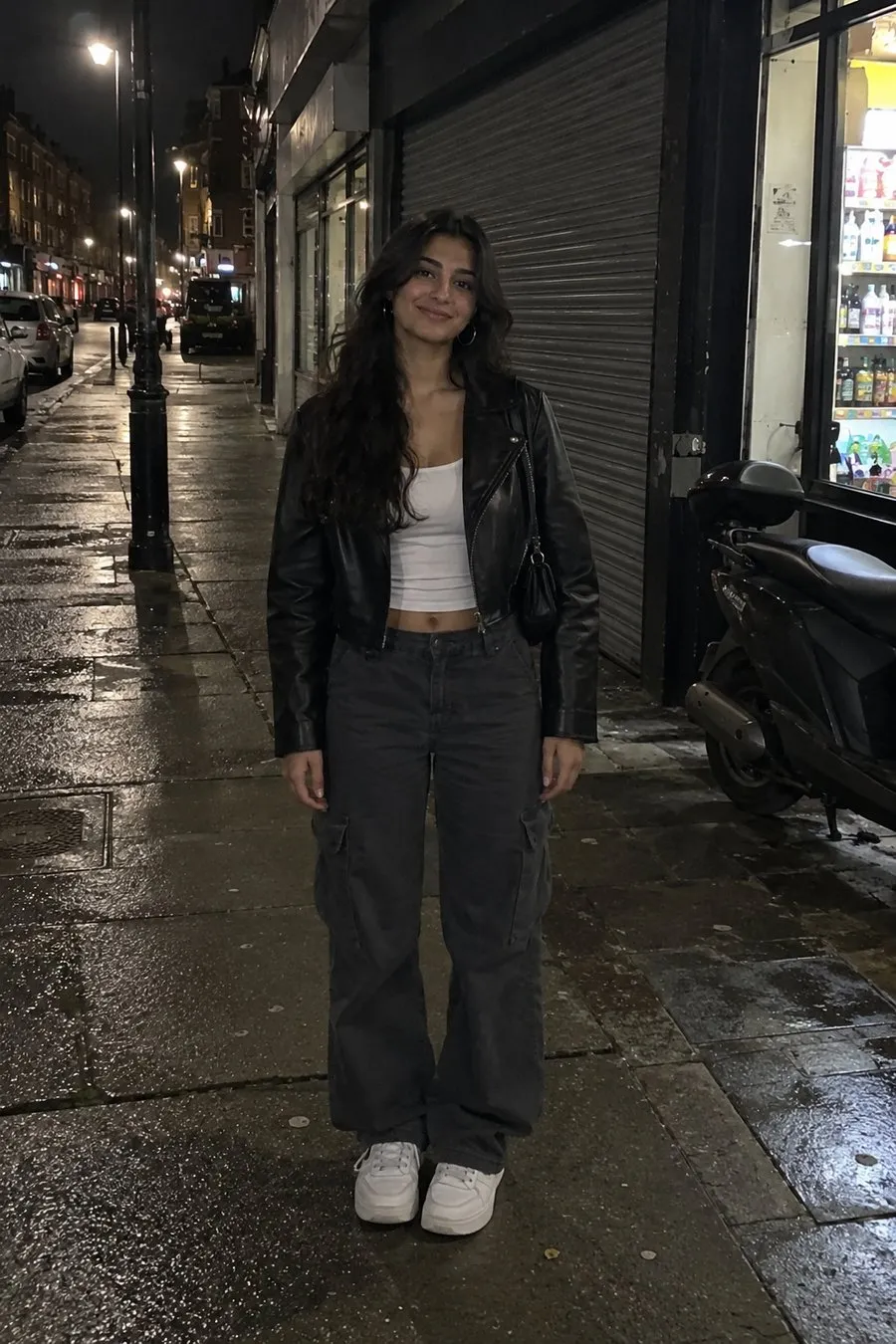
One photo. Every angle.
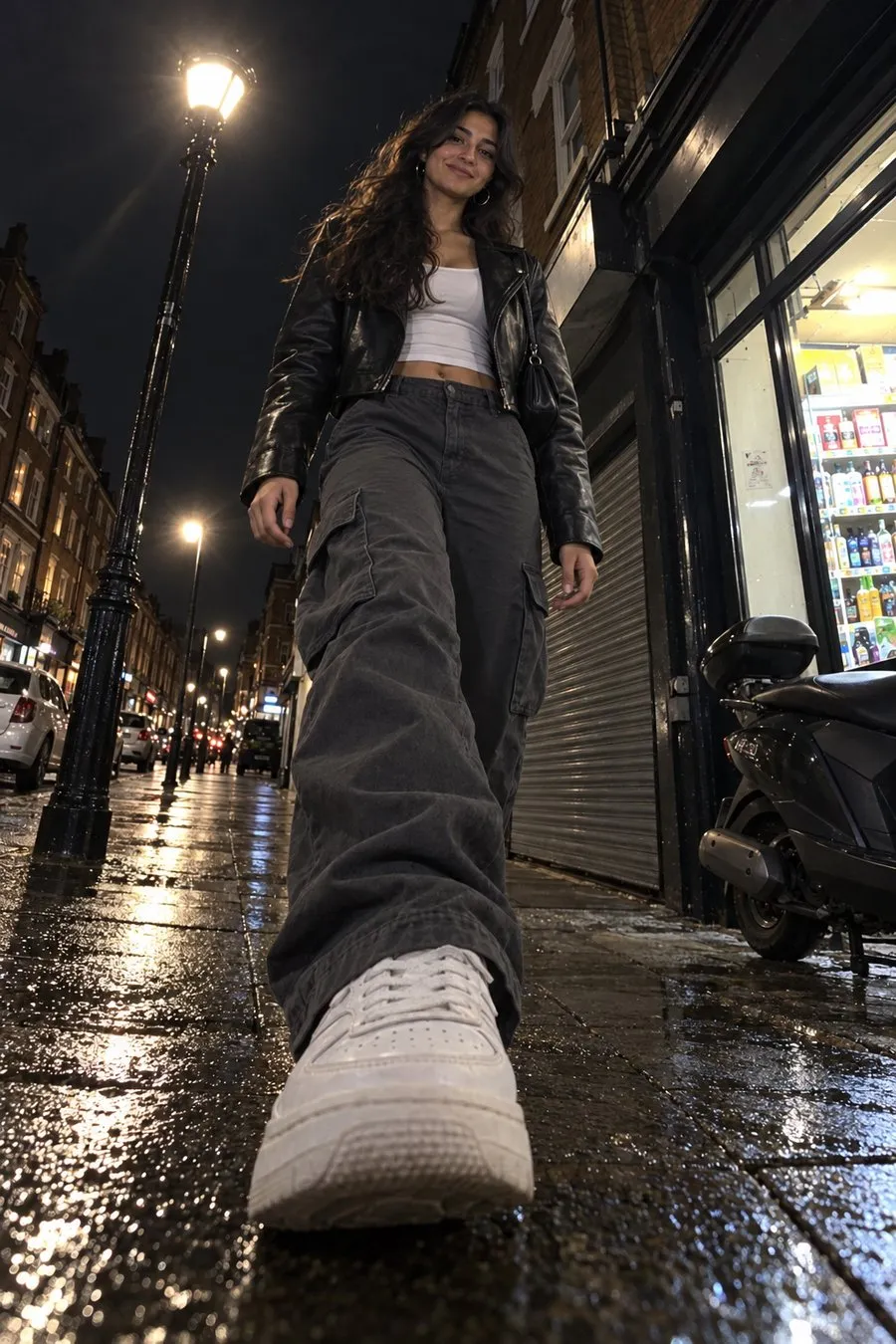
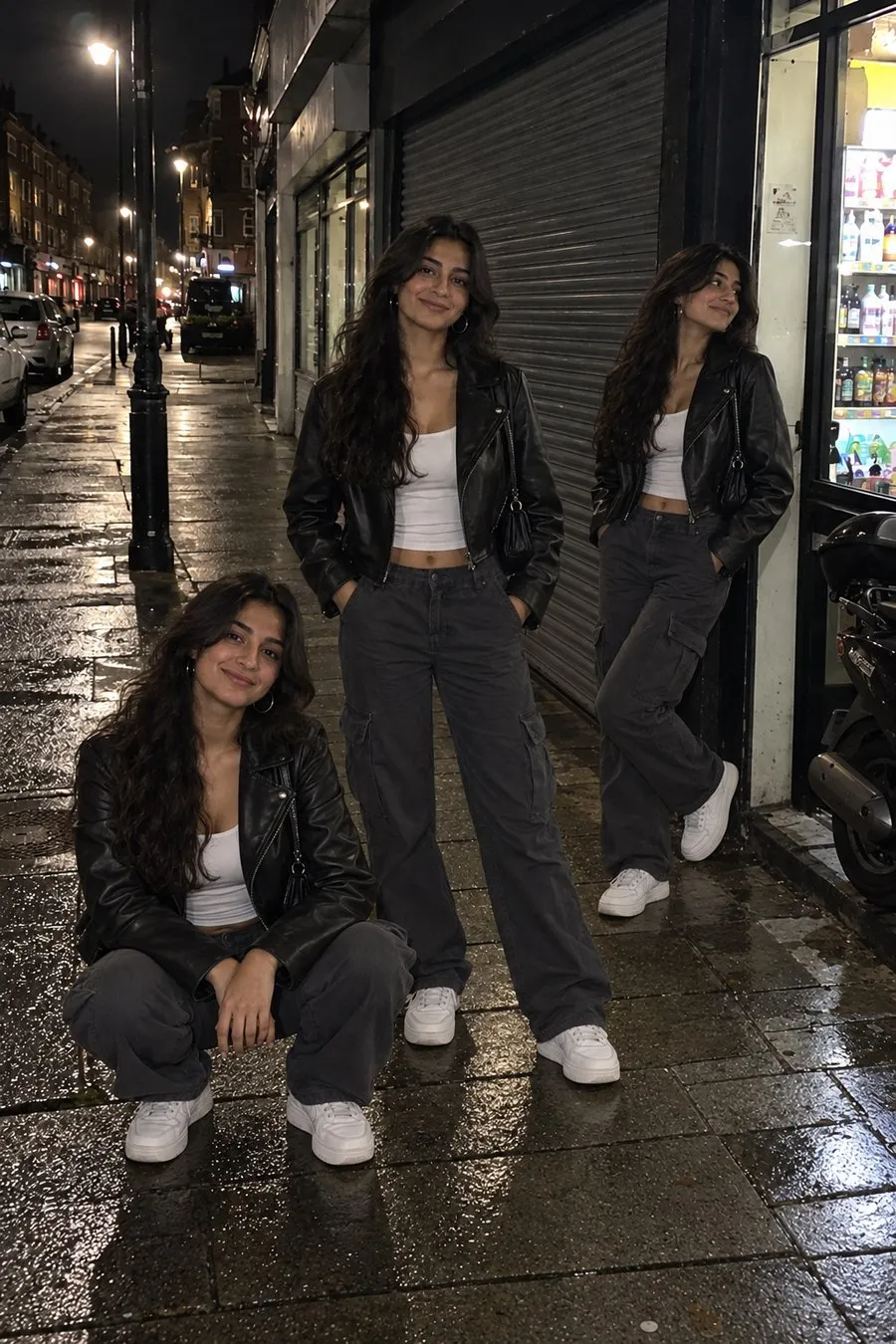
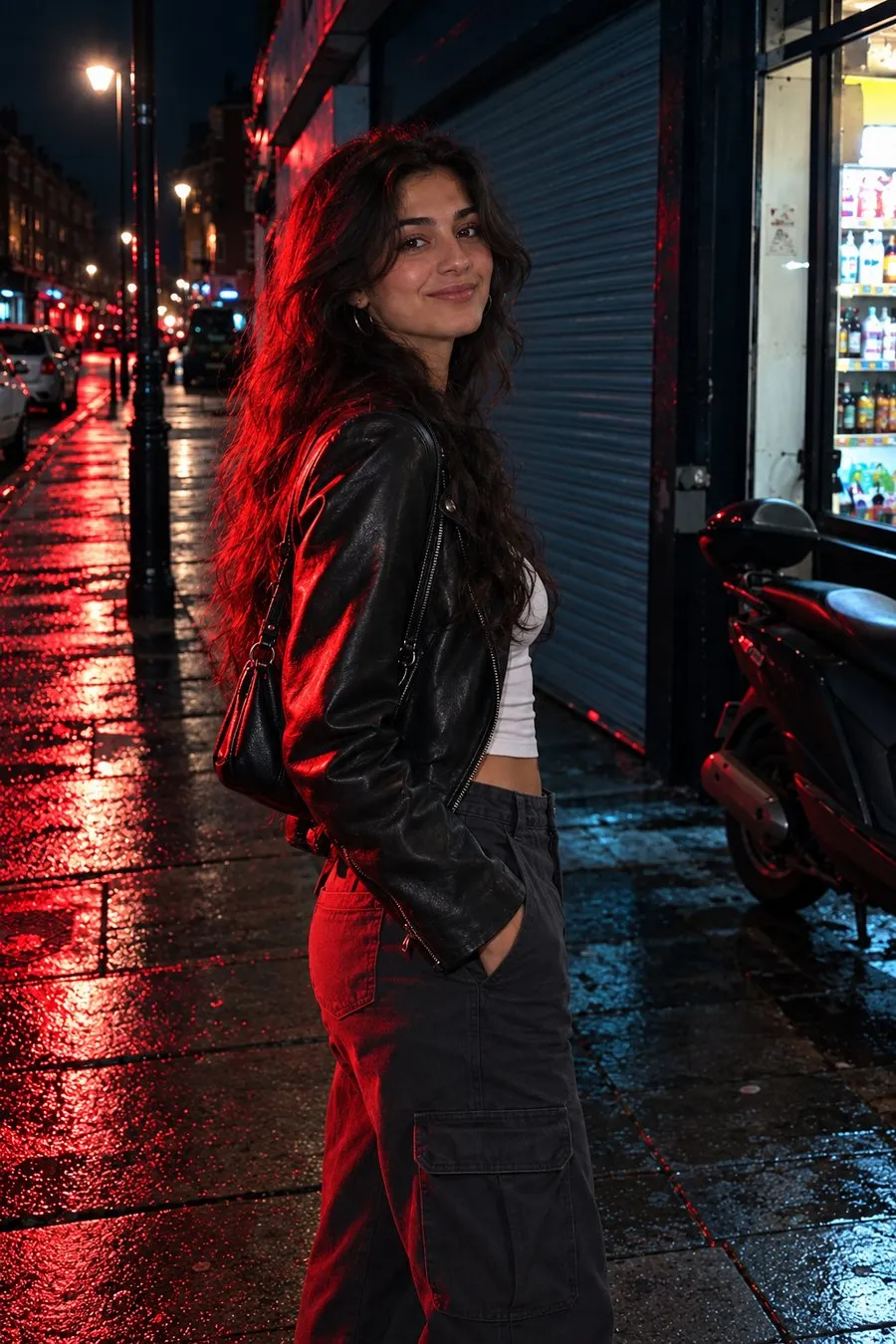
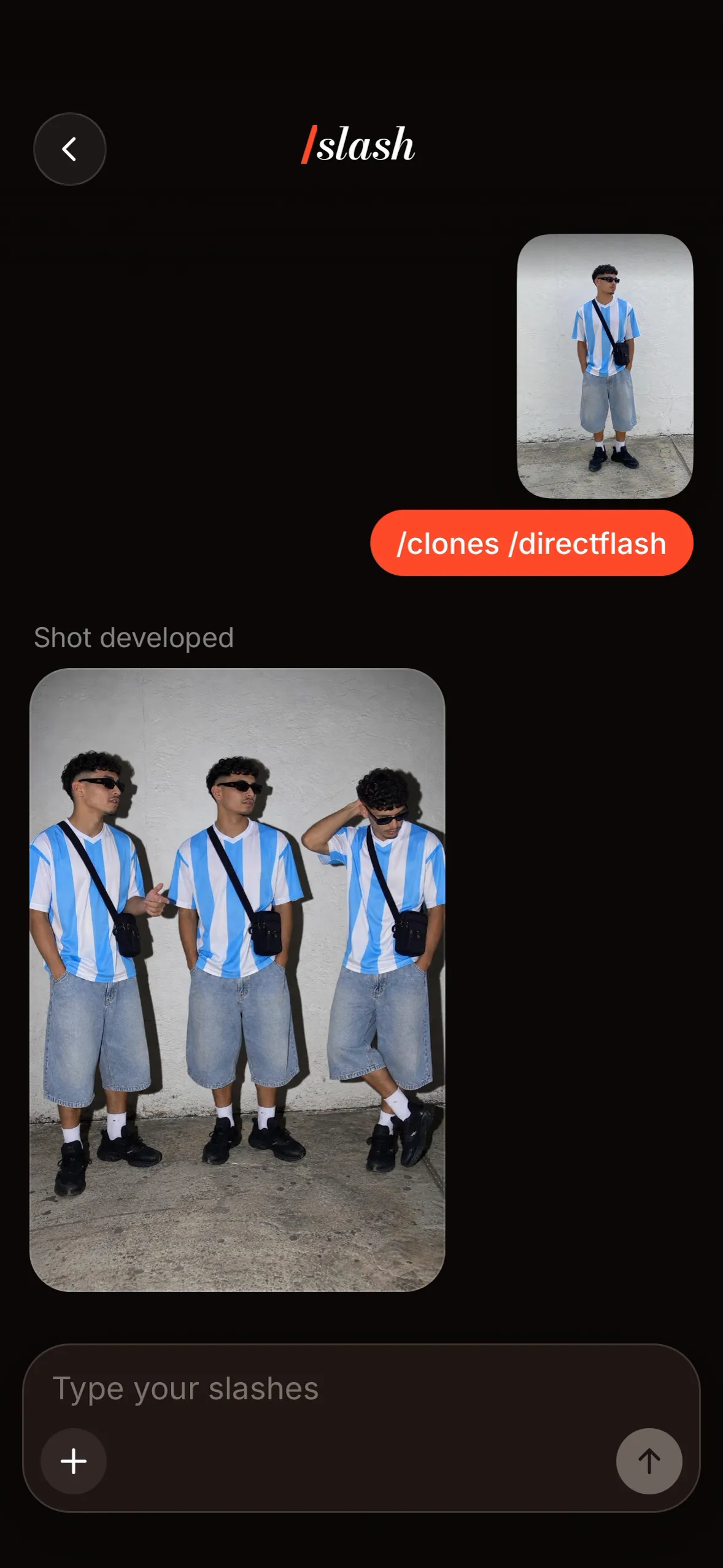
Reshoot any picture with /tags. Same you, same place, a whole new shot.
Coming soon to the App Store

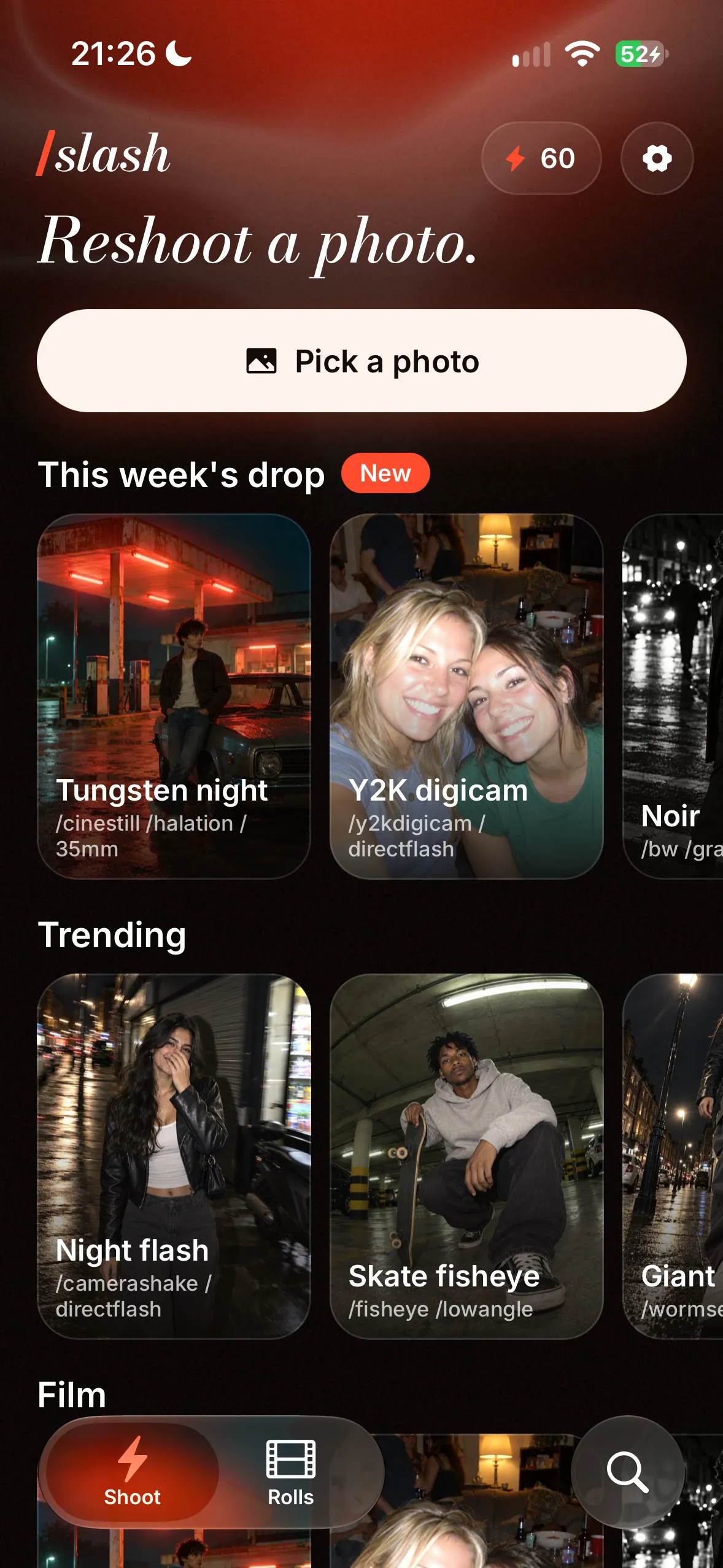
Get the highlights.
New stacks every week.
The week’s drop lands on your home screen, ready in one tap.
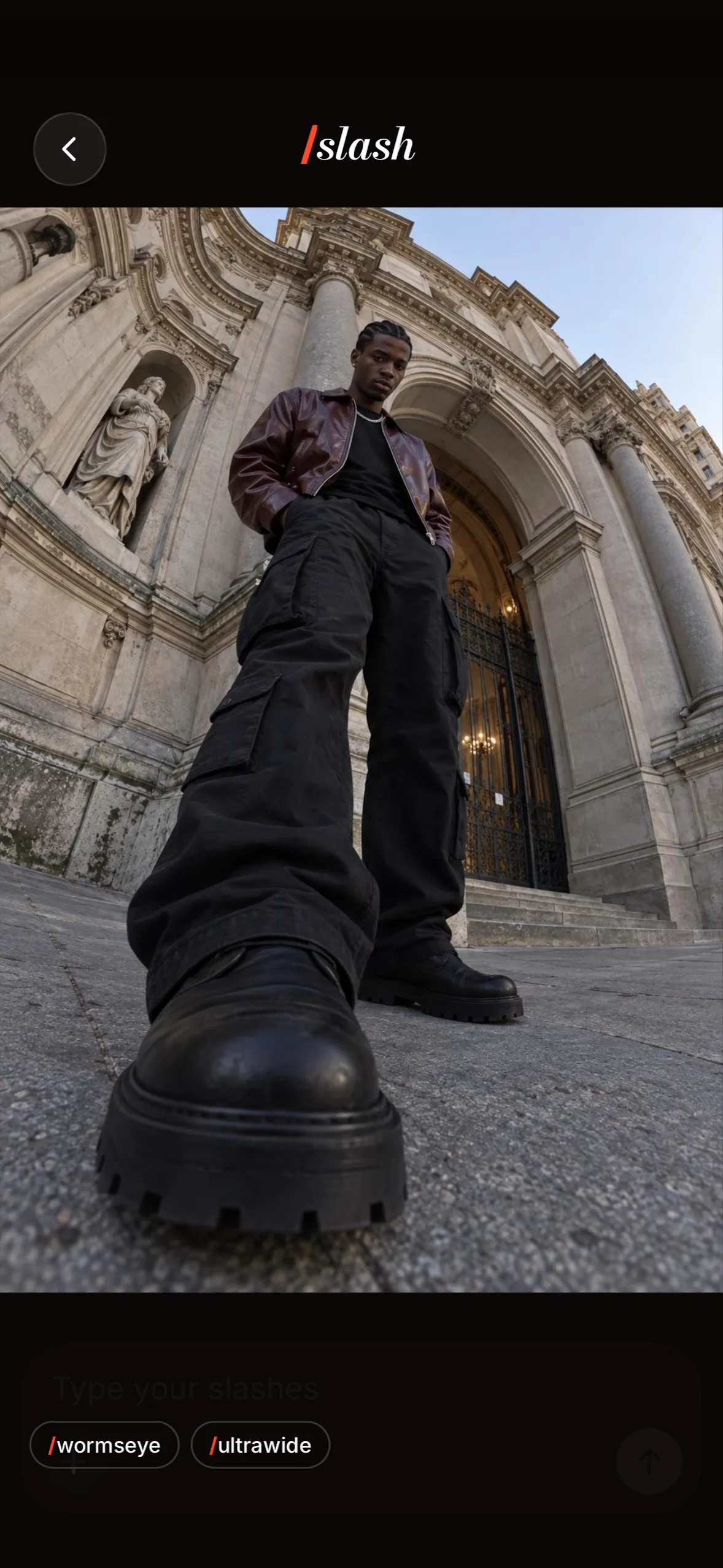
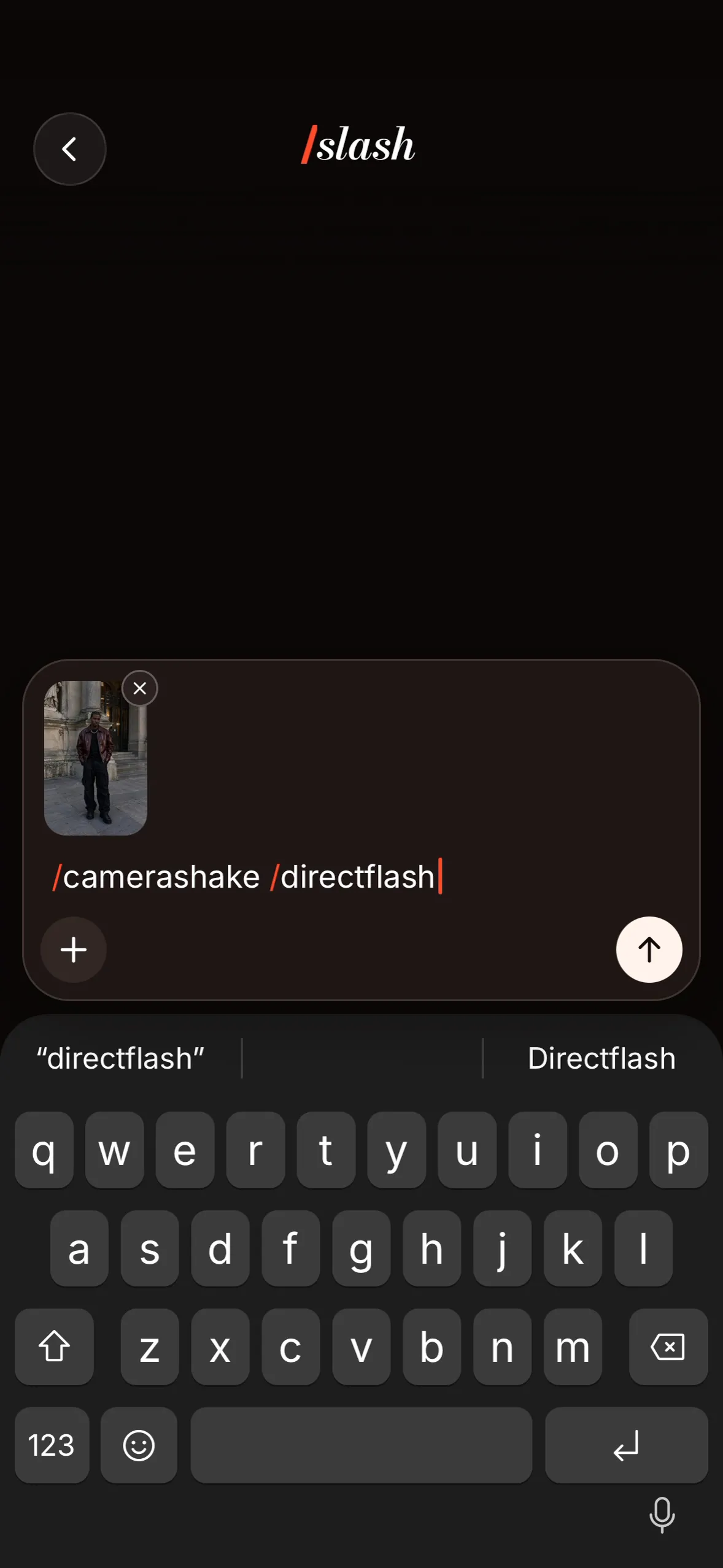
Type your own slashes.
Mix fisheye, POV, clones, direct flash, golden hour and more.
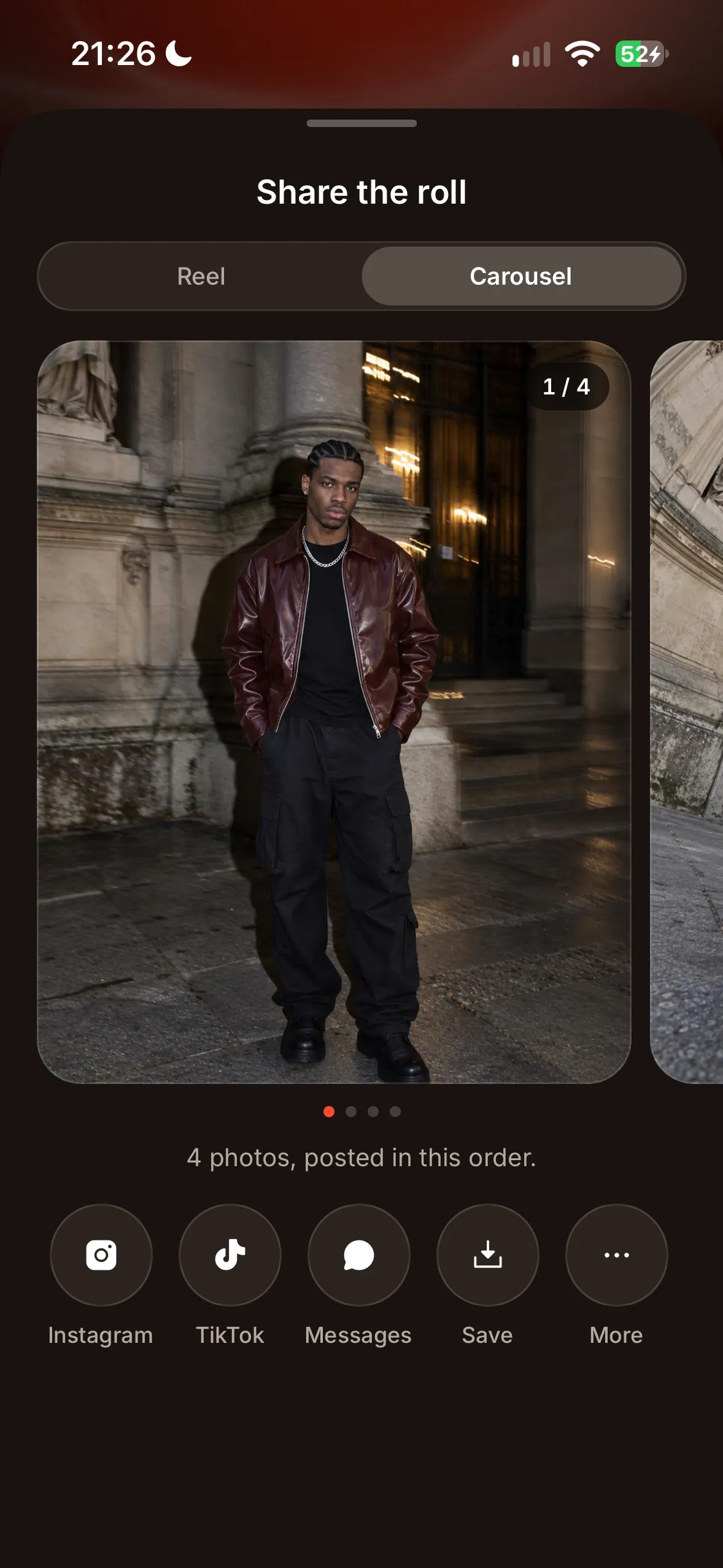
Pick your dump.
Tap them in the order you want to post, then share them as a carousel.
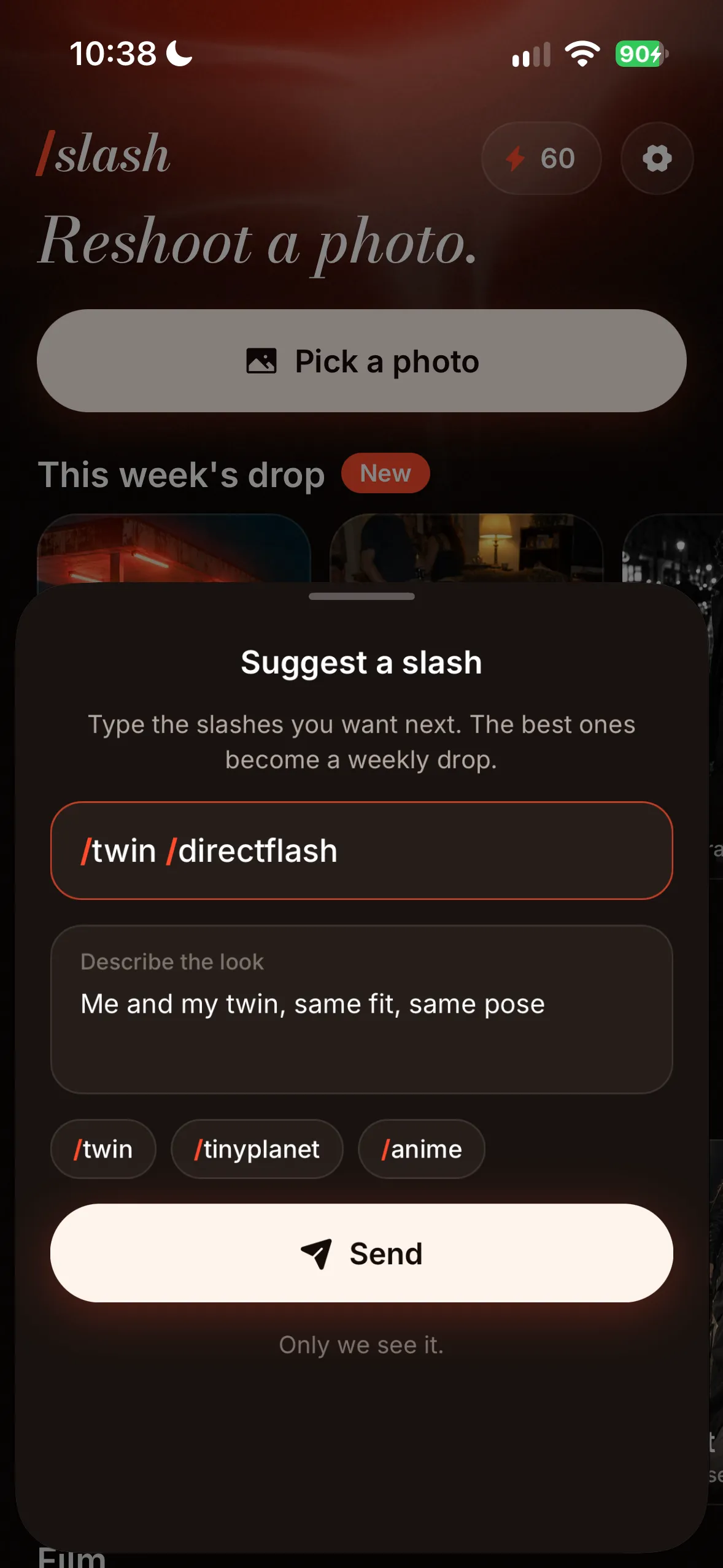
You pick the next drop.
Type the slashes you want next. The best ones become a weekly drop.
One photo. A whole roll.
- 1
Pick a photo
Any photo of you from your camera roll.
- 2
Add your slashes
Pick a stack from the drop, or type your own.
- 3
Share the roll
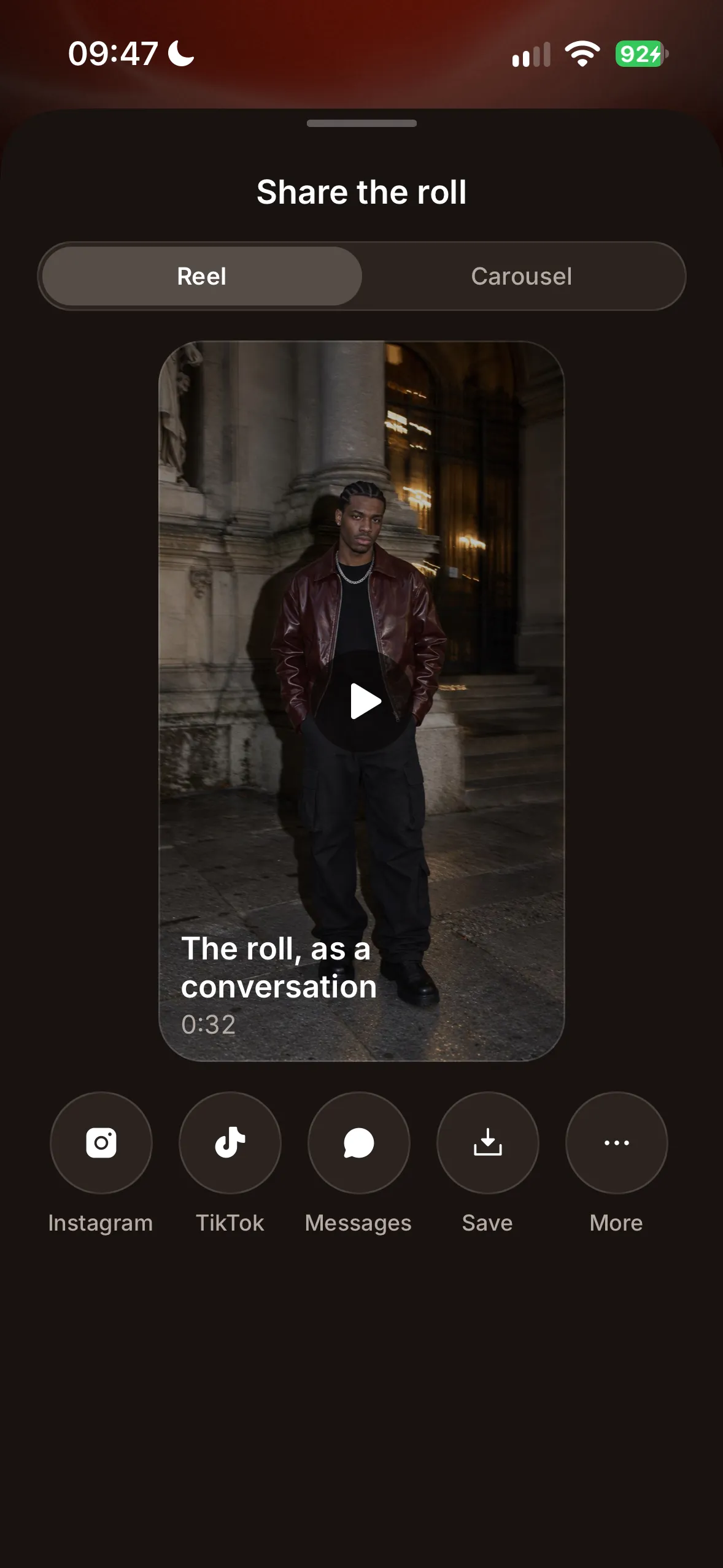
Post your takes as a carousel or a reel.
Your photo, your call.
Only the photo you pick is sent, and only to make your shots. Our server deletes it once the shot is made, and the shot within 72 hours. Never sold, never used to train AI.
Questions? Answers.
How does Slash work?
Pick a photo of you and add slashes like /fisheye, /pov or /directflash. Slash reshoots it: same you, same place, a whole new shot. Every photo you reshoot lands in your Rolls with all its takes.
What happens to my photo?
Only the photo you pick is sent, and only to make your shots. Our server deletes your photo once the shot is made, and the shot within 72 hours. We never sell it, and never use it to train AI.
What is the weekly drop?
Every week, new stacks land on the home screen, ready to use in one tap. You can suggest the next ones: the best ideas become a weekly drop.
How do I post my shots?
Pick your dump: tap the shots in the order you want, then share them as a carousel, or post the roll as a reel.
Is Slash free?
Slash has a weekly plan that starts with a free trial. Your plan gives you new shots every week.