 Slash
SlashSlash guides · Instagram
Photo dump captions: 100 ideas, and how to order the dump
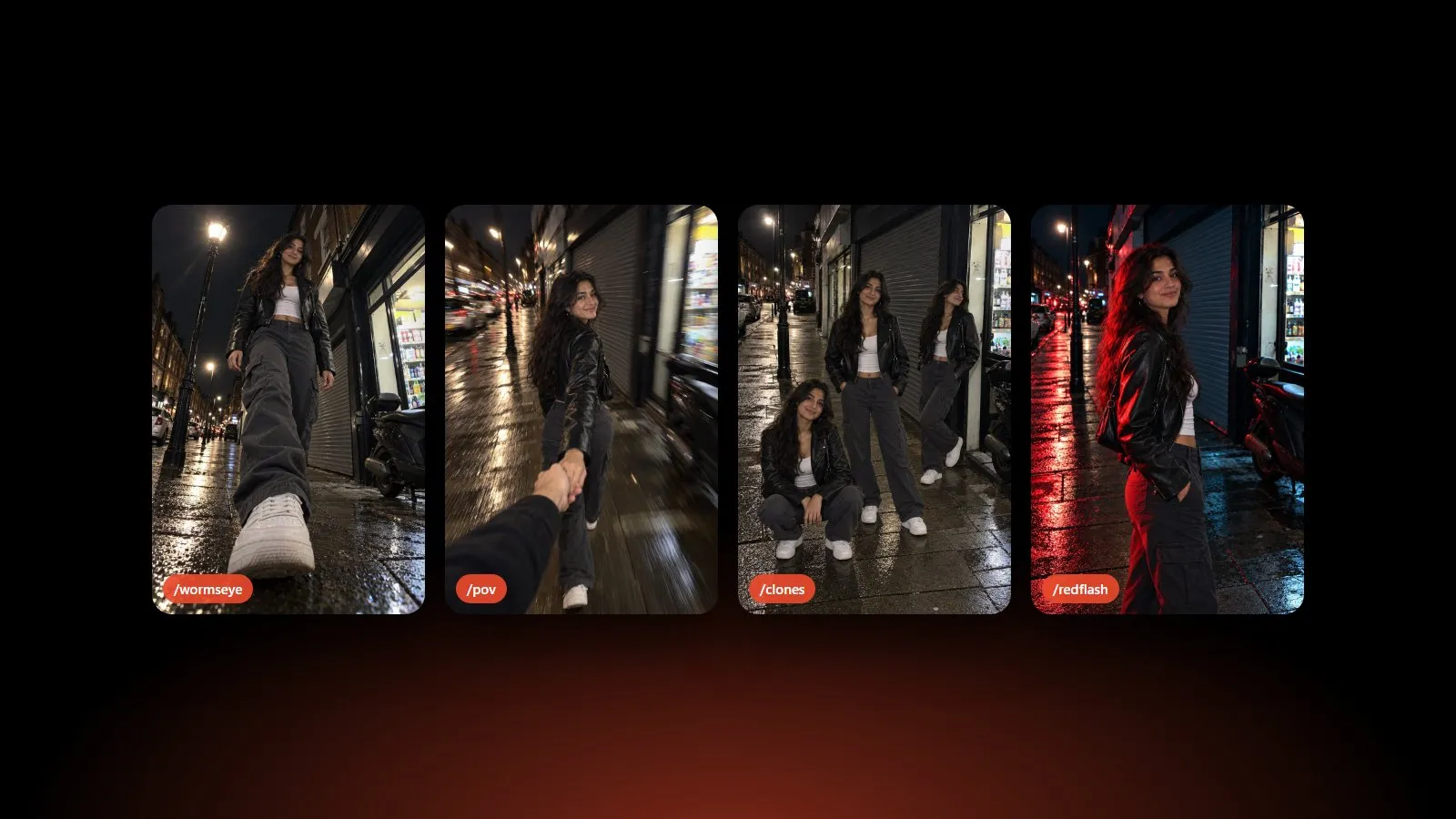
A photo dump looks effortless, which is the whole point. But the caption and the order of the slides do most of the work. Here are 100 captions sorted by mood, then a quick method to order the dump so people swipe to the end.
Short captions
Short wins on a dump: the photos are the story, the caption just sets the tone.
- a little bit of everything
- recently
- lately
- current mood board
- evidence
- proof it happened
- notes from this week
- in no particular order
- the highlights
- unfiltered, mostly
- camera roll cleanout
- a week in pictures
- receipts
- this and that
- the good stuff
- saved for later
- main character week
- soft launch of my life
- nothing to see here
- it was a vibe
Funny captions
- my camera roll is 90% blurry and 10% this
- explaining my week in 10 slides
- my therapist said to share more
- not a photo dump, a photo archive
- the algorithm made me do it
- I took 400 photos so you could see these
- posting before my storage fills up
- if you swipe to the end we’re best friends
- don’t ask about slide 6
- documenting so I remember I had fun
- a dump with zero context
- I was told to touch grass, so I did
- current status: unbothered
- for legal reasons this is a mood board
- plot twist on the last slide
- my phone storage thanks me
- doing things, apparently
- the outtakes are better but you’re not ready
- this week, rated PG
- slides 1 to 10, no skips
Soft and aesthetic captions
- small moments, big feelings
- collecting golden hours
- soft days
- slow mornings, late nights
- the light was perfect
- things I want to remember
- the in-between
- quiet favorites
- everything felt cinematic
- little pieces of a good week
- caught in the light
- romanticizing everything
- days like these
- the softest week
- a love letter to lately
- kept the moments, lost the plot
- warm tones only
- held onto this one
- life in loose frames
- still thinking about it
Night out captions
- after dark
- night shift
- the flash was on, so was I
- city lights, no plans
- out past midnight
- we stayed for one more
- flash photography and bad decisions
- the night had a plot
- neon and good company
- last one out
- a night worth the morning
- before the lights came on
- side quests only
- 2 a.m. and still on
- nights like this
Travel and weekend captions
- out of office
- postcards from somewhere
- weekend in pieces
- off the map
- miles and memories
- packed light, came back full
- another place, same me
- the long way around
- passport photos, but better
- souvenirs I can’t hold
- views and detours
- a weekend well spent
- elsewhere
- home is a few hours behind me
- wish you were here, kind of
Friends captions
- my favorite people, unposed
- the group chat, in real life
- core memories in progress
- found my people
- the usual suspects
- friends in every slide
- proof we’re unwell together
- we’re not loud, we’re memorable
- best seats in the house
- tag yourself
How to order a photo dump
Lead with your strongest photo. The first slide is the only one everyone sees in the feed. Pick the sharpest, most striking shot, ideally of you.
Alternate close and wide. A face, then a place, then a detail. The change of scale keeps people swiping.
Keep the colors in the same family. A dump looks curated when the slides share a tone: all warm, all night, all flash. One odd slide is fine; three is noise.
Put a surprise near the end. A funny outtake or a completely different angle rewards the people who swipe to the last slide.
Keep one shape. Instagram uses one shape for every slide of a carousel. Crop everything to 4:5 so nothing gets cut. A carousel holds up to 20 slides, but 6 to 10 is plenty for a dump. If you have a wide photo, our image splitter turns it into a seamless carousel instead.
Short on photos?
A dump needs variety, and most of us have ten versions of the same angle. In Slash, you pick one photo of you and add slashes like /fisheye, /pov or /directflash. It reshoots the photo in that style: same you, same place, a new shot. Then you tap the takes in the order you want and share them as a carousel.